 DayFlow
Three directions
Count down to a date, count up from a start, or track progress between two dates.
For iPhone and iPad
DayFlow counts down to holidays, deadlines and goals — exactly the way you want: calendar days, working days, minus public holidays. With widgets and reminders.
iOS 17 or later · iPhone and iPad · English and Polish
Features
From a simple “days until vacation” to project deadlines that respect public holidays.
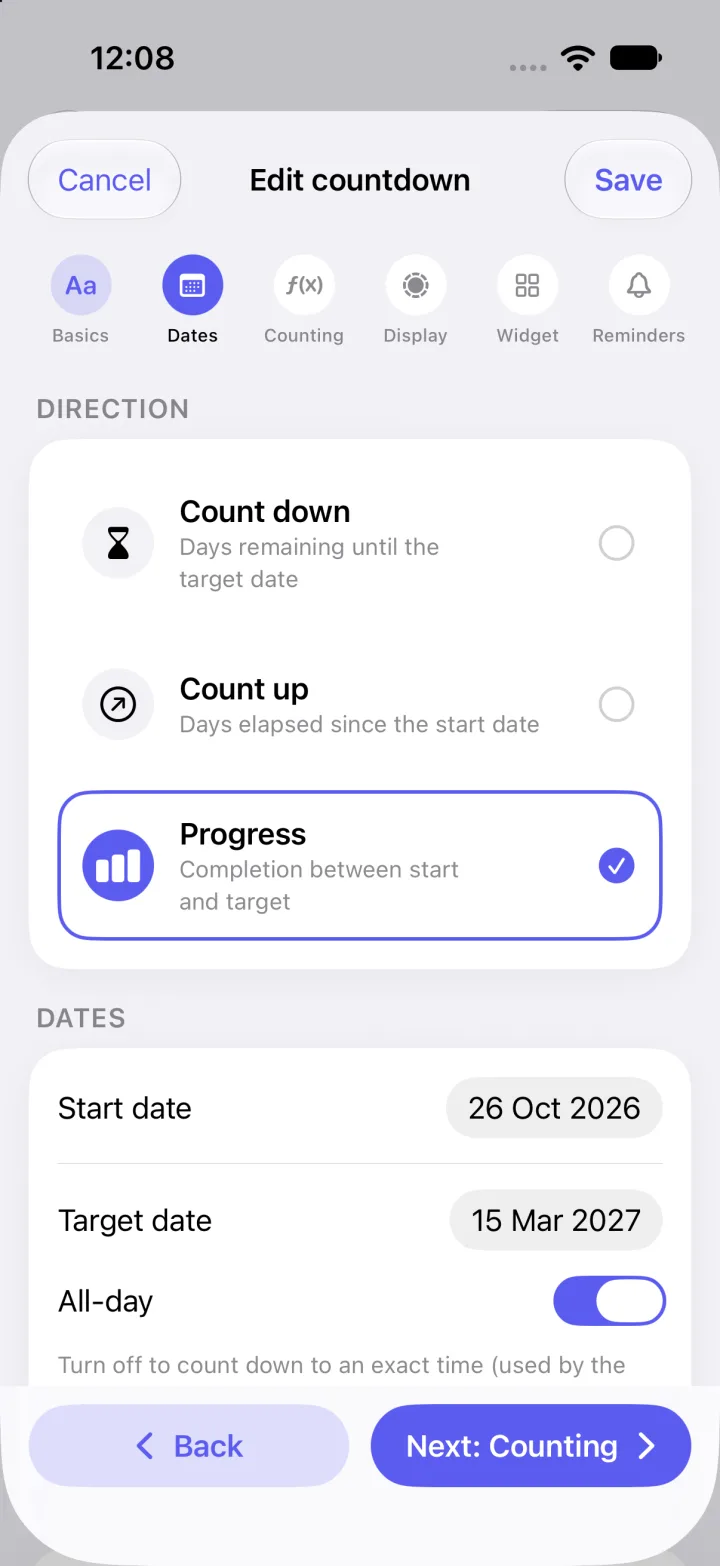
Count down to a date, count up from a start, or track progress between two dates.
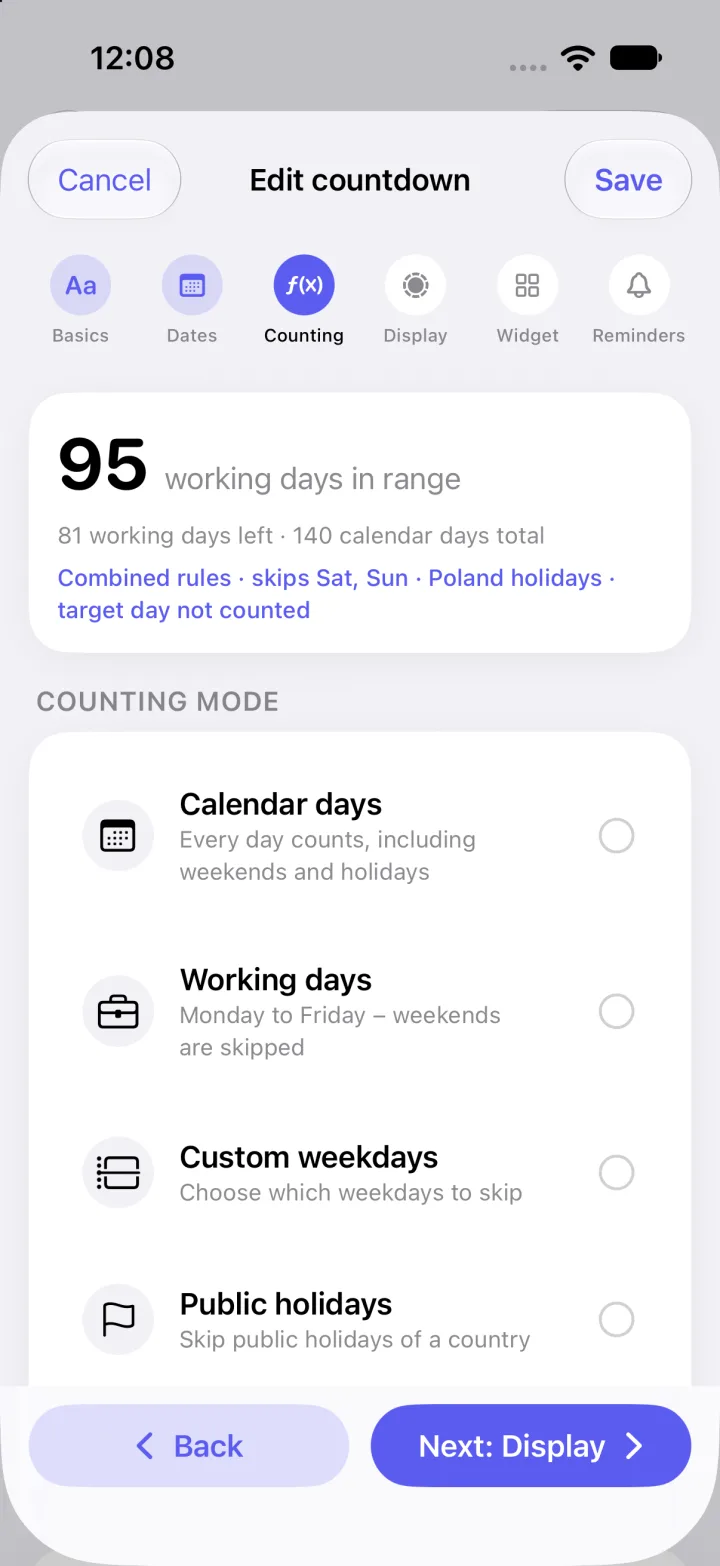
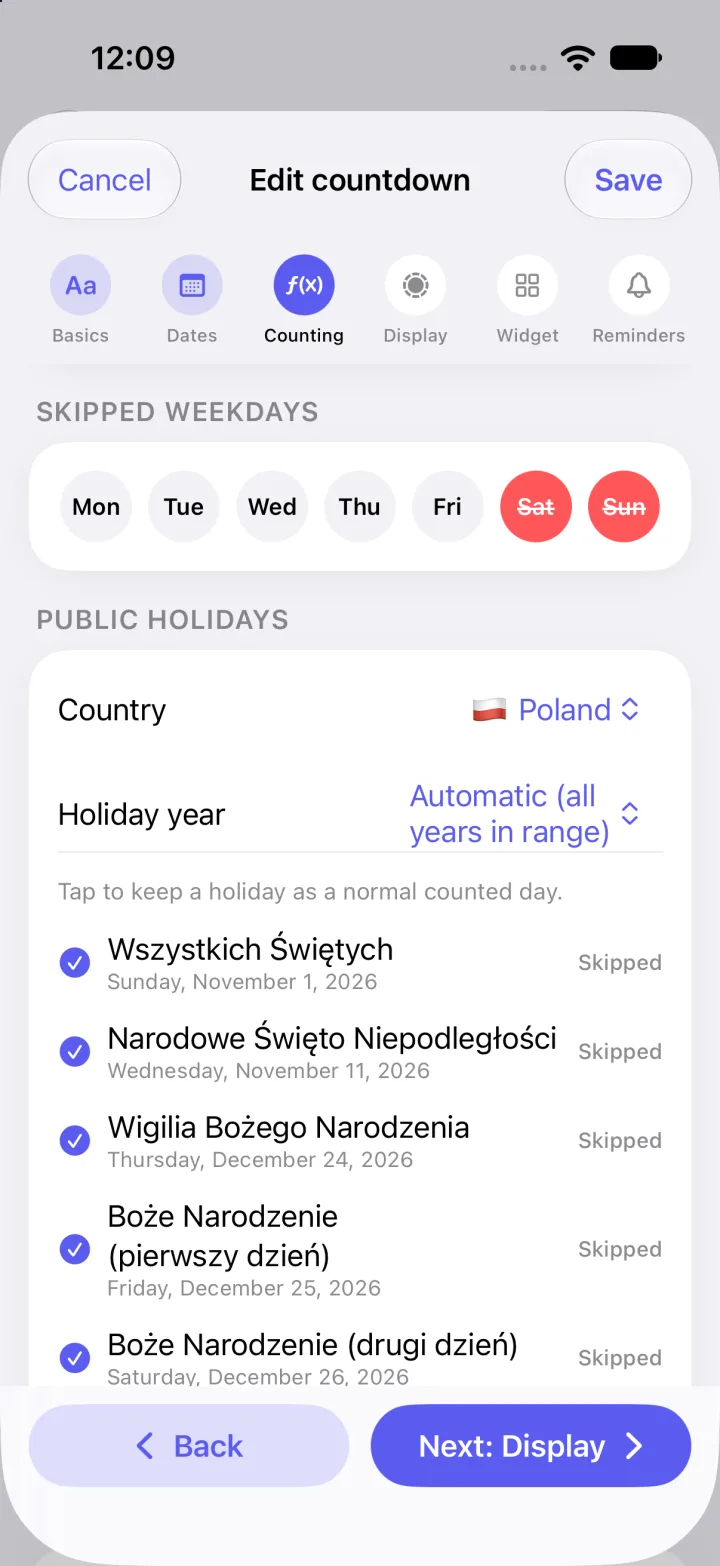
Calendar days, working days, custom weekdays, public holidays — or all combined.
Add single days off or days that repeat every year. Choose whether the target day counts.
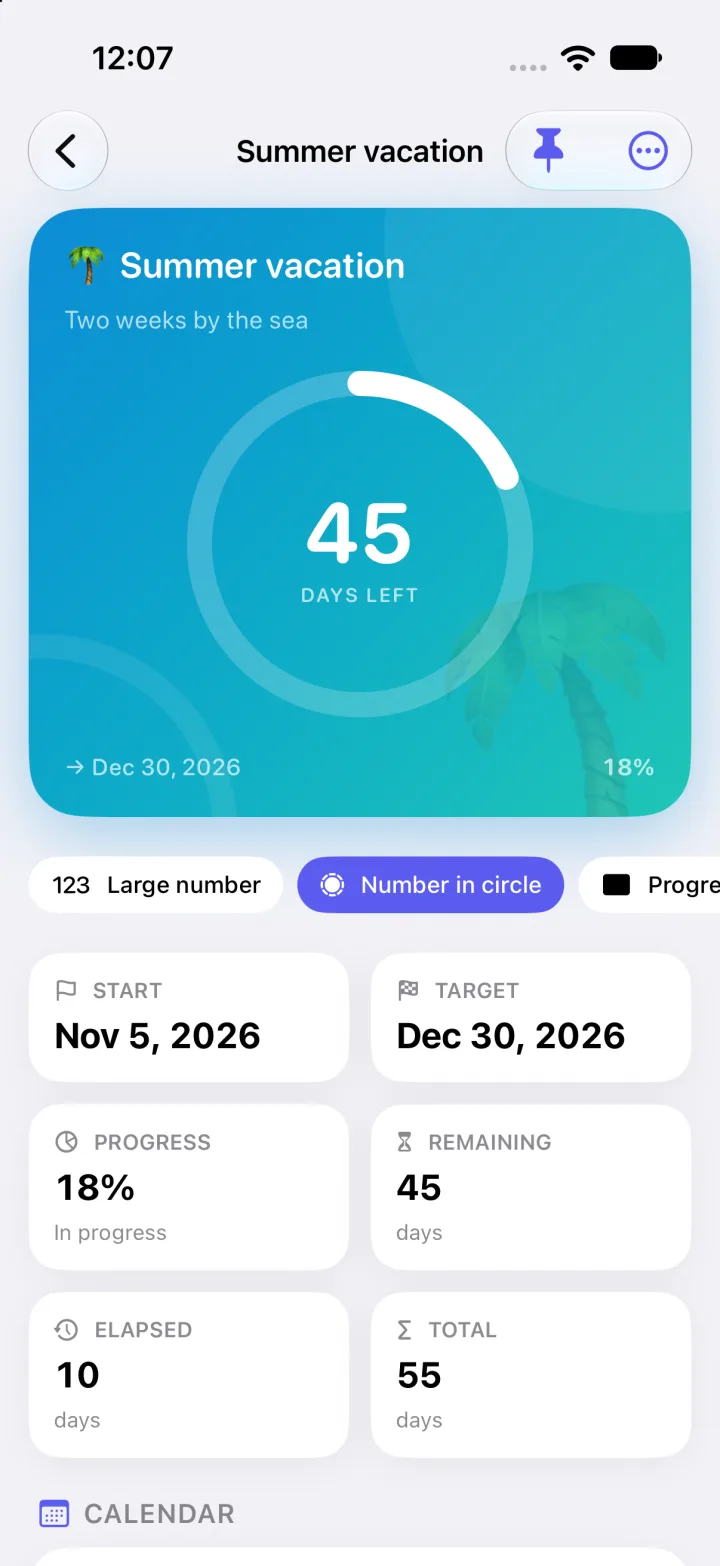
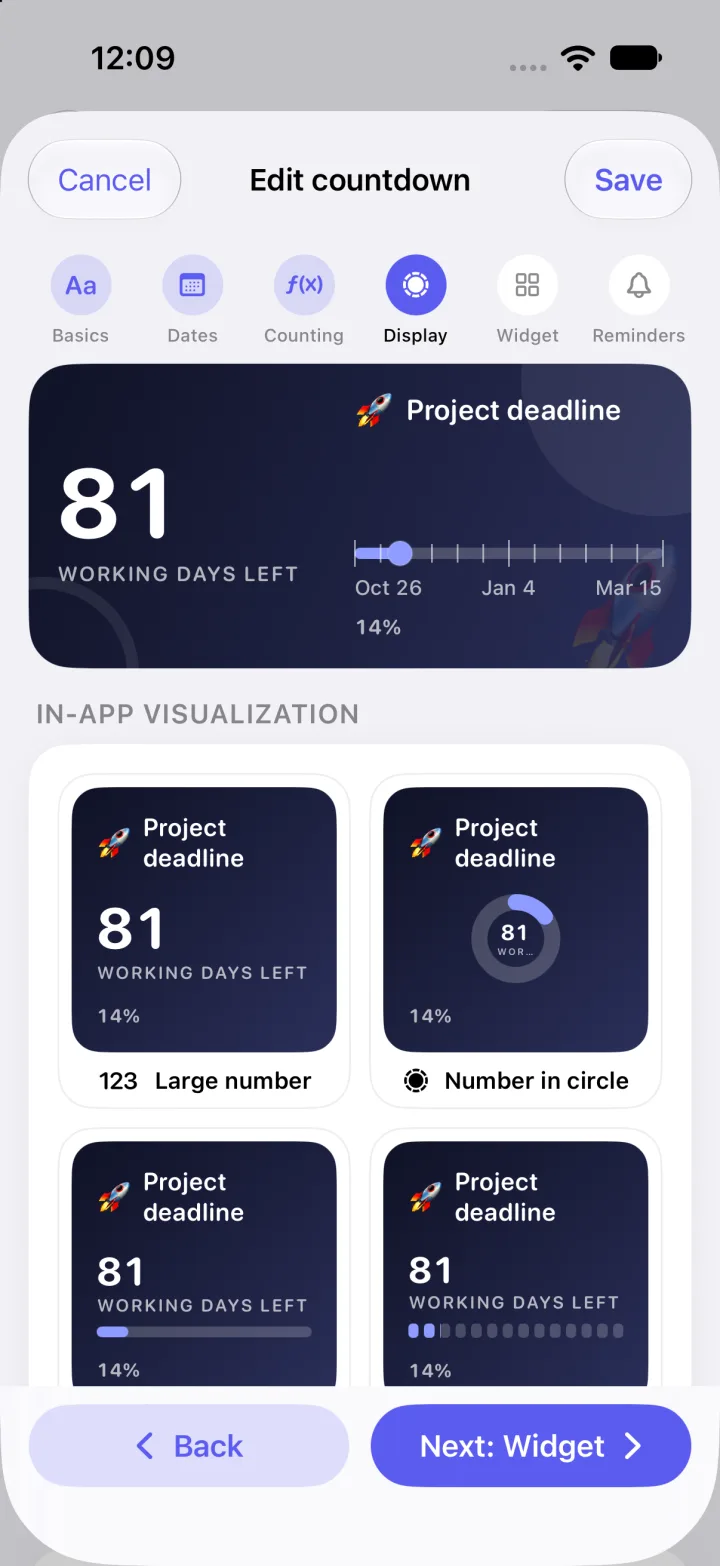
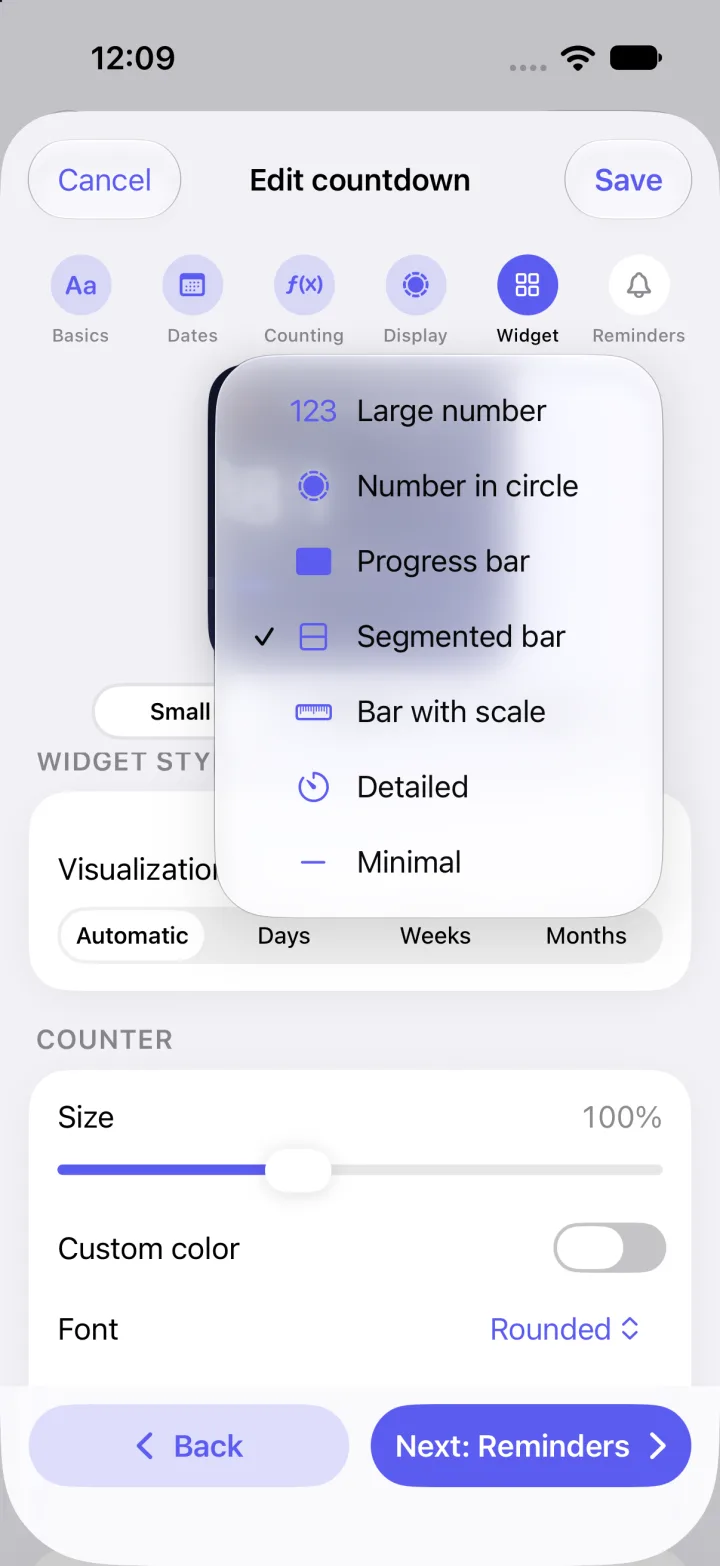
Large number, ring, bar, segments, scale with dates, detailed or minimal.
Categories, pinned countdowns, search, list or grid layout and sorting.
English or Polish regardless of system language. Light, dark or system theme.
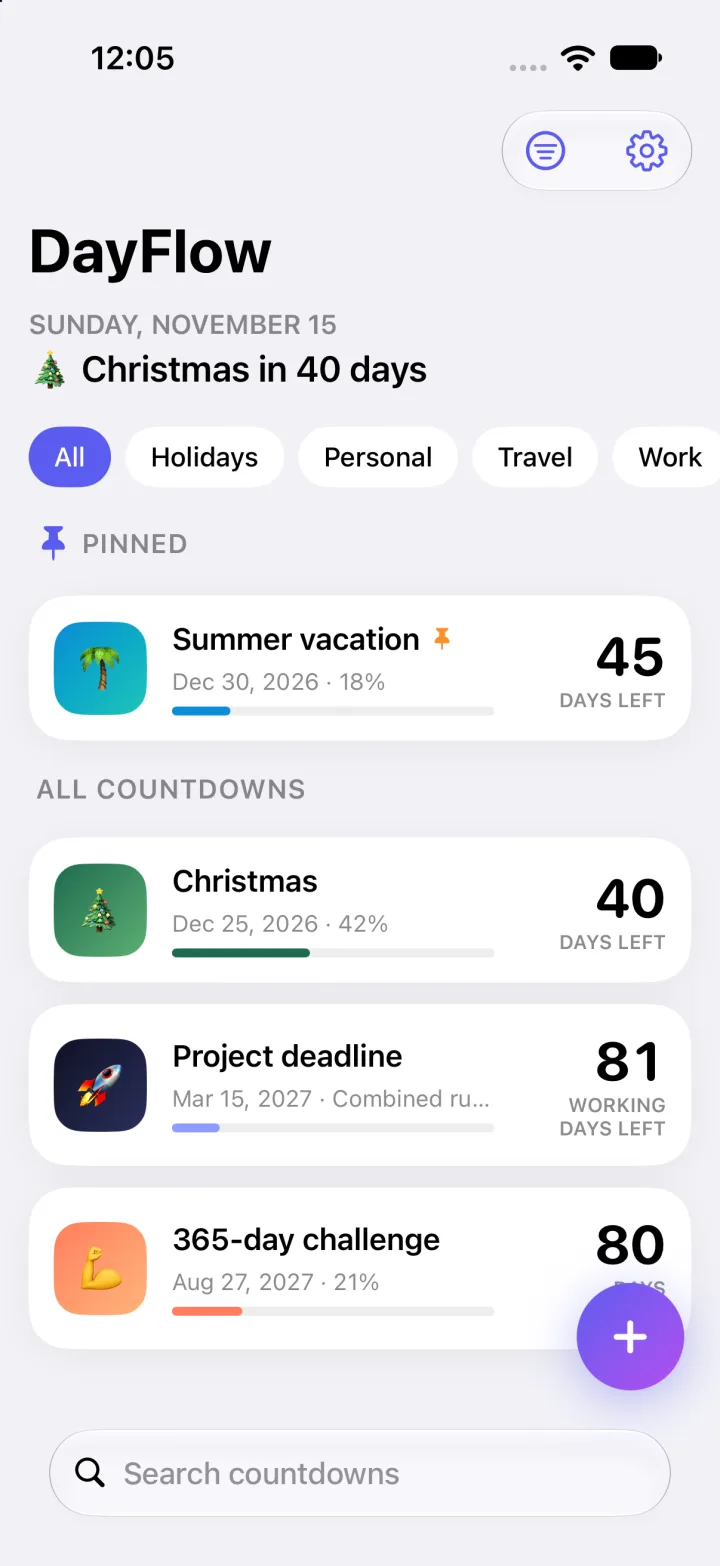
Your counters
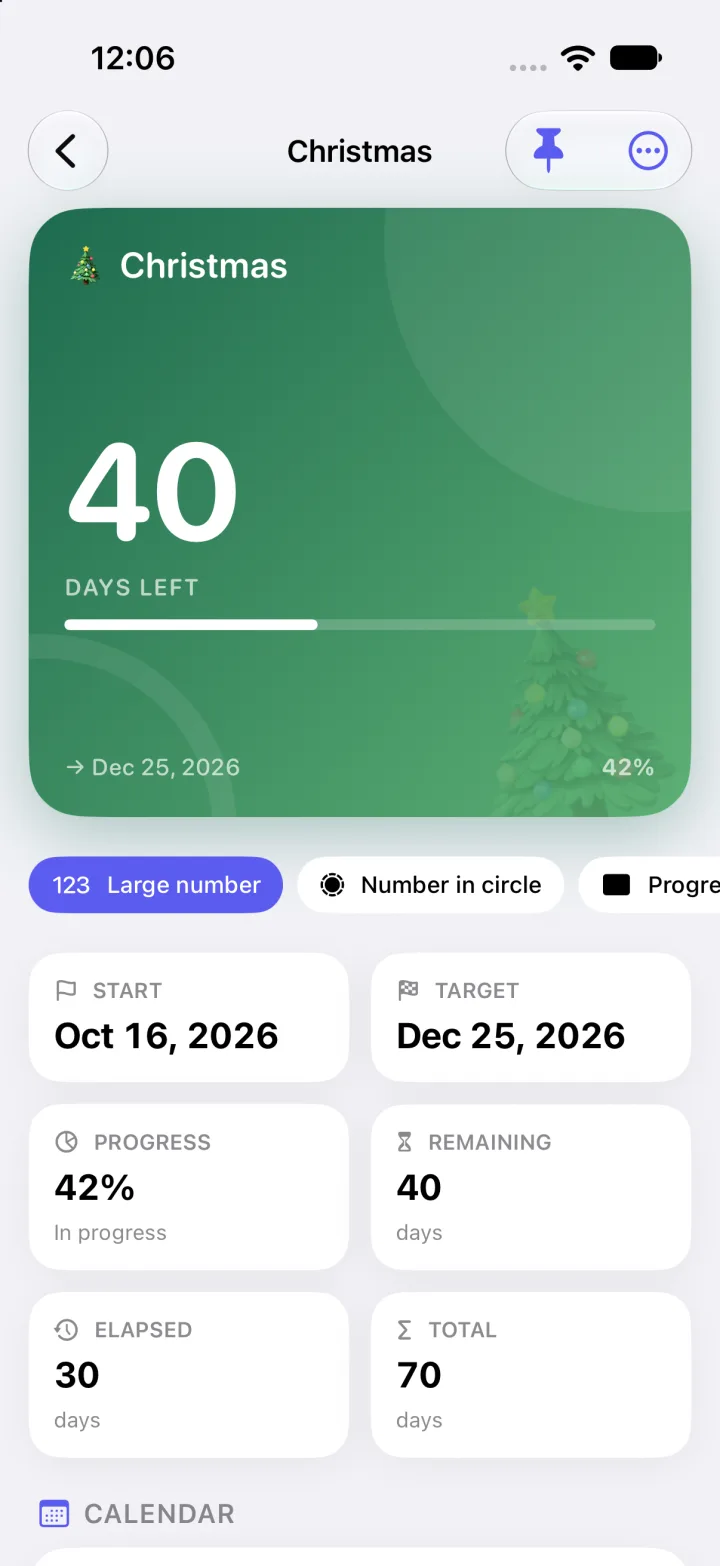
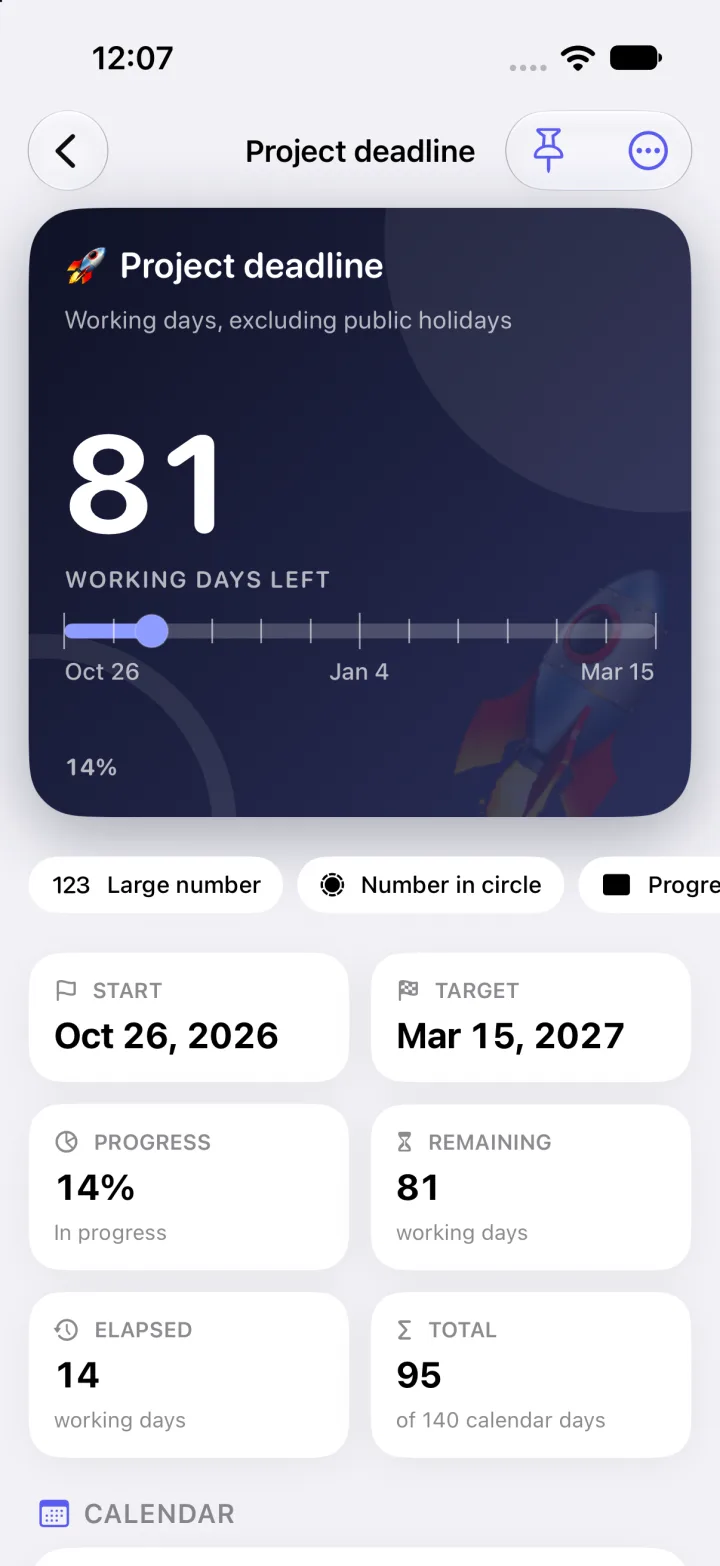
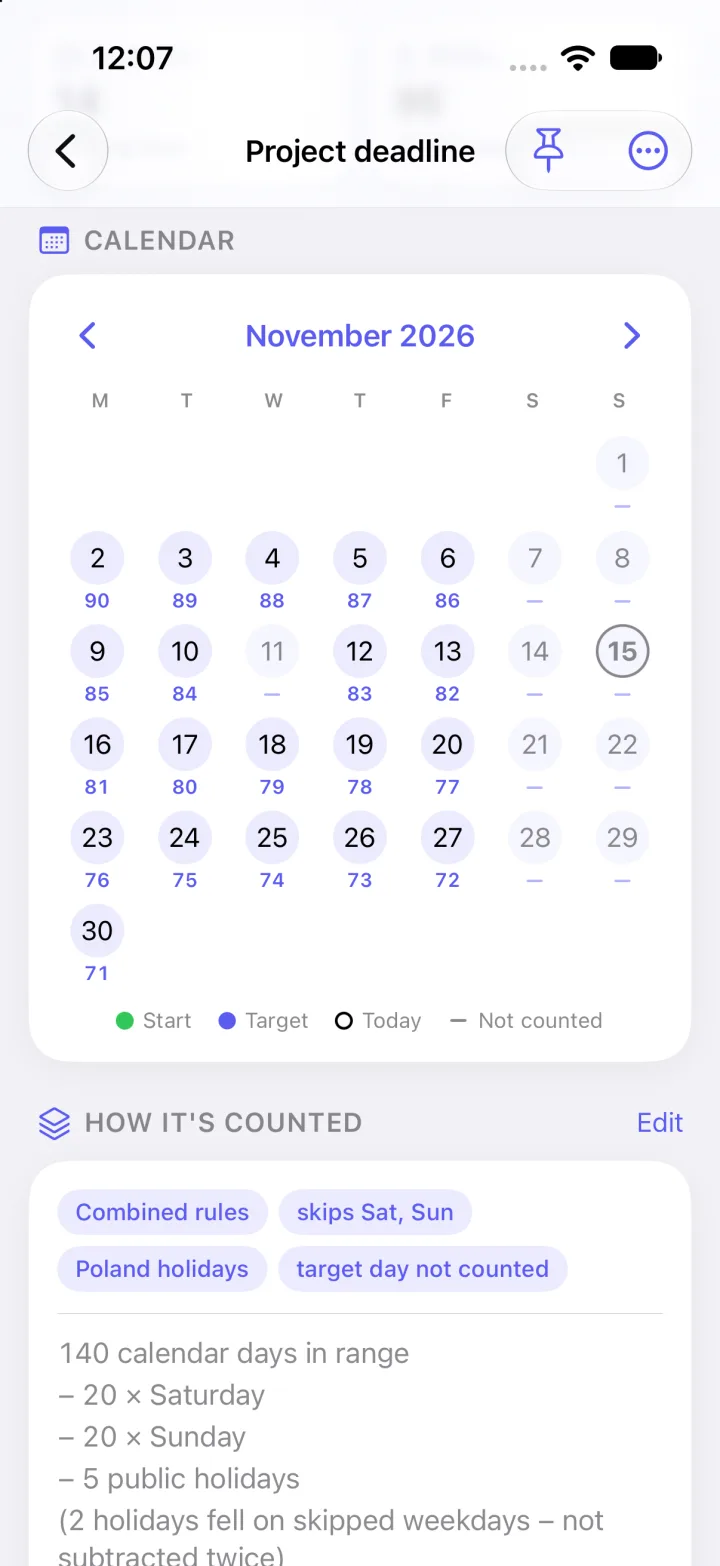
A tidy dashboard, and a detail view with progress, a day-by-day calendar and the full calculation.
Create a counter
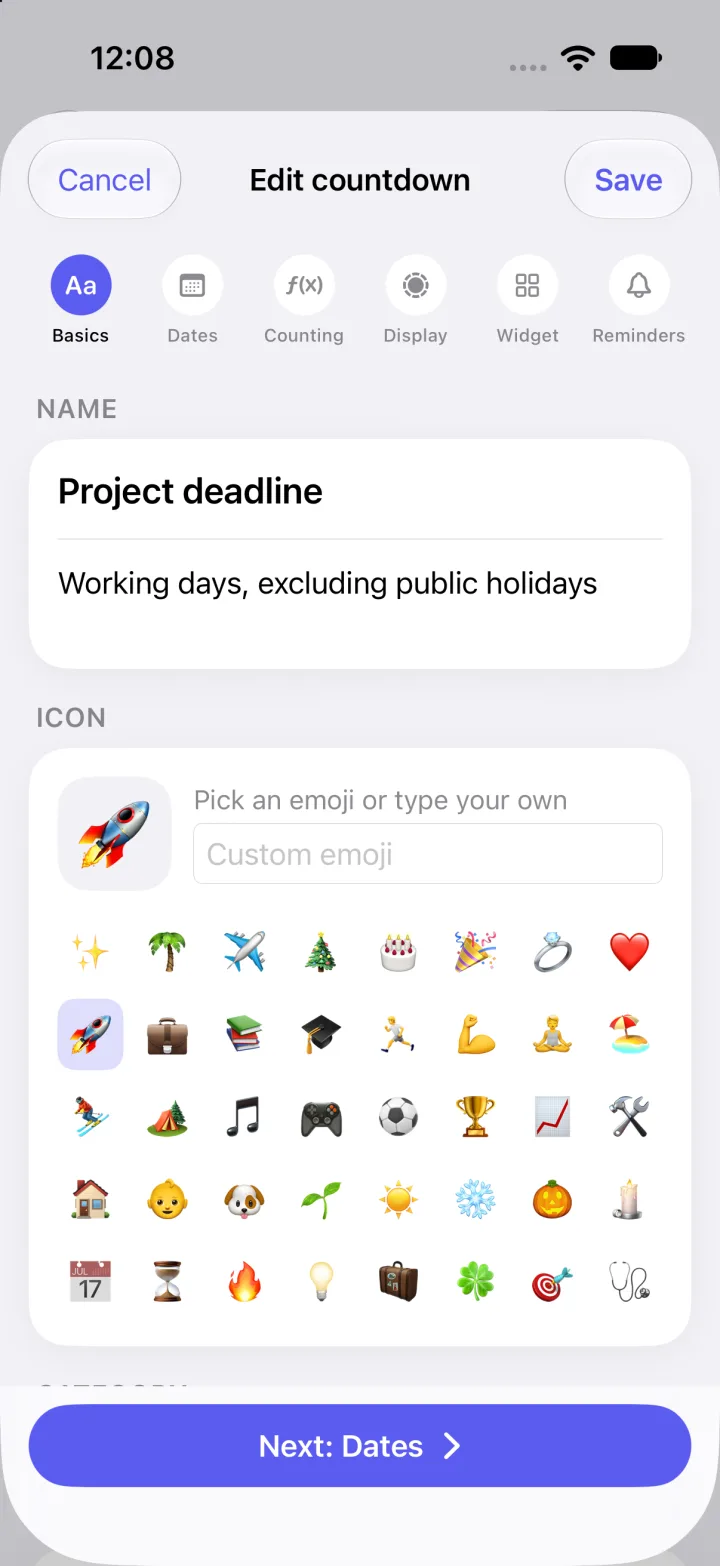
One guided editor covers everything — from the name to the widget’s typography.
Name it, describe it, give it an icon.
Choose what you’re counting and when.
Decide which days count.
Pick how the counter looks in the app.
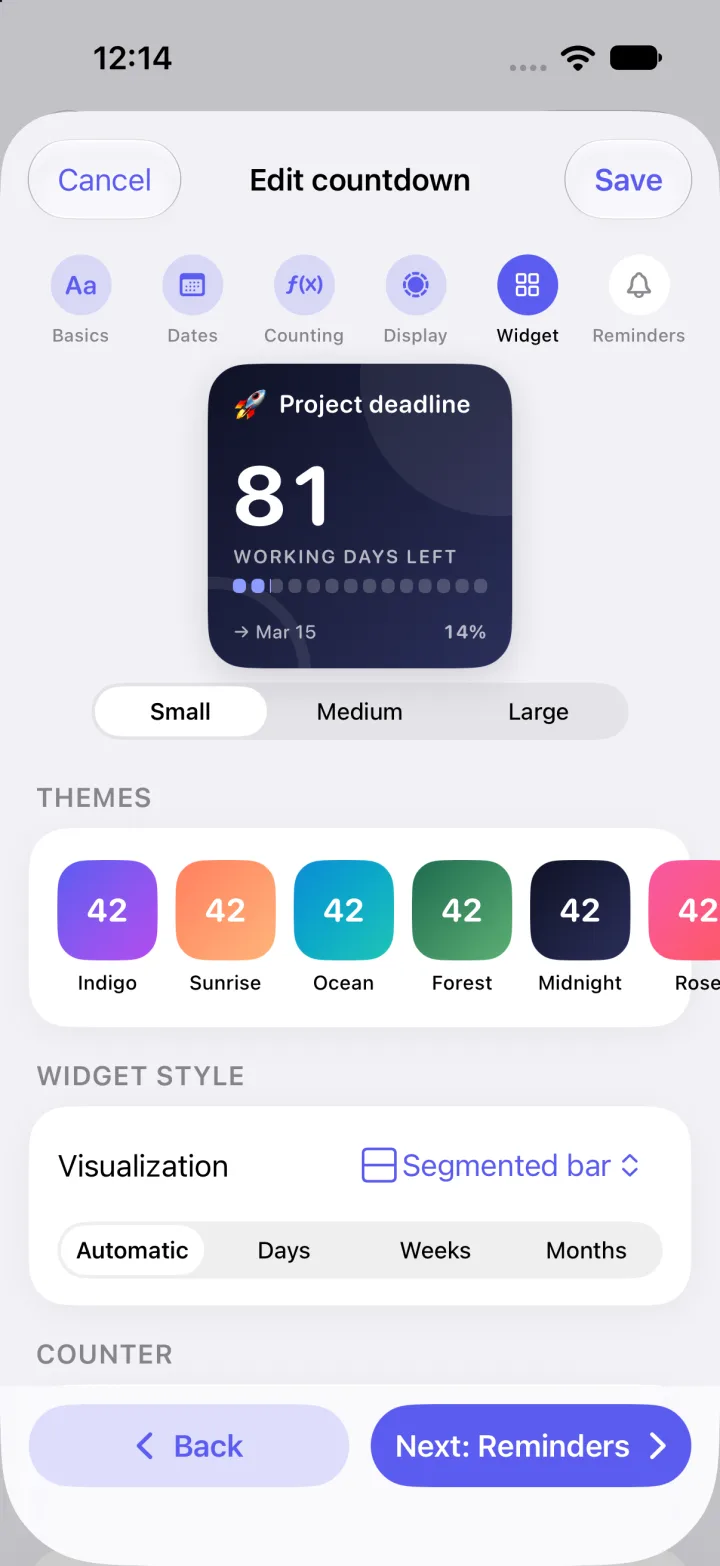
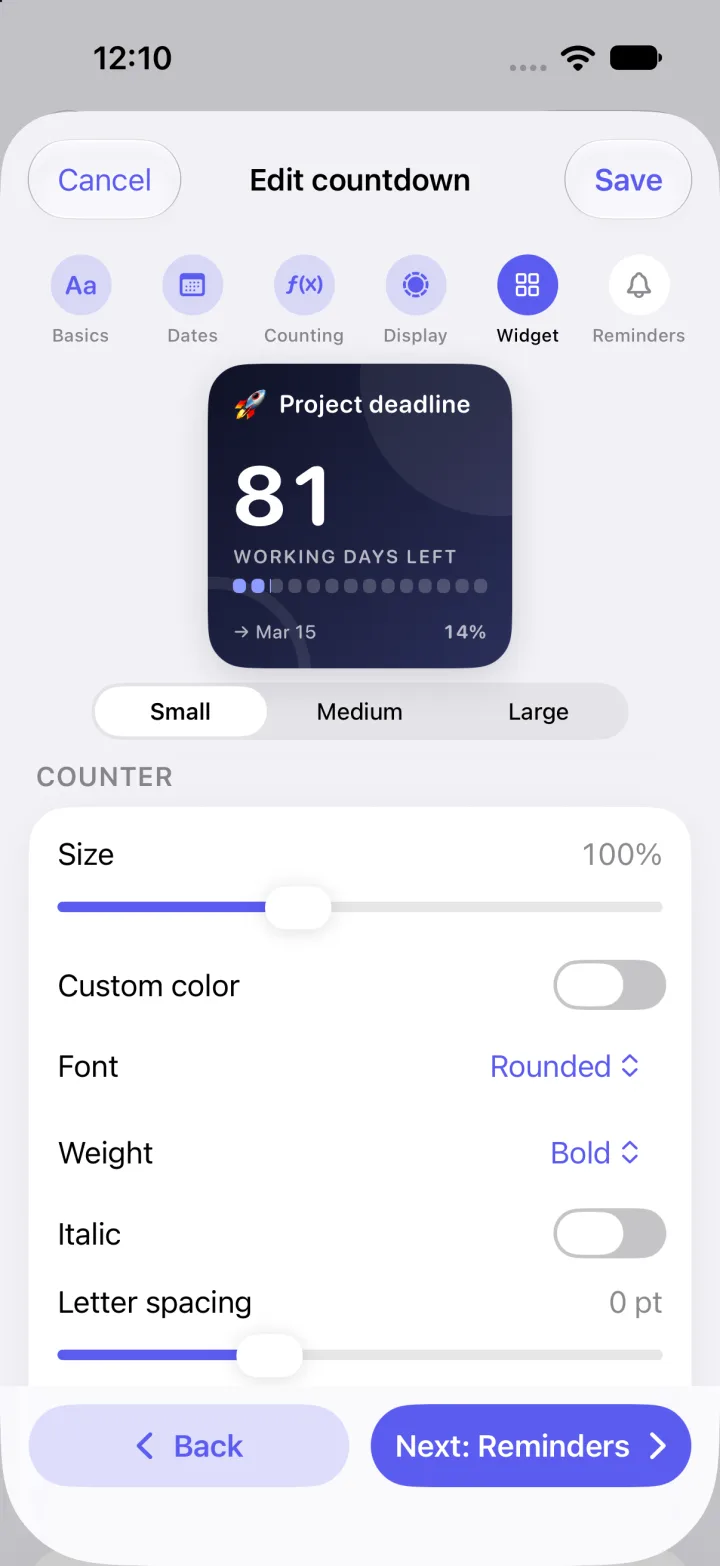
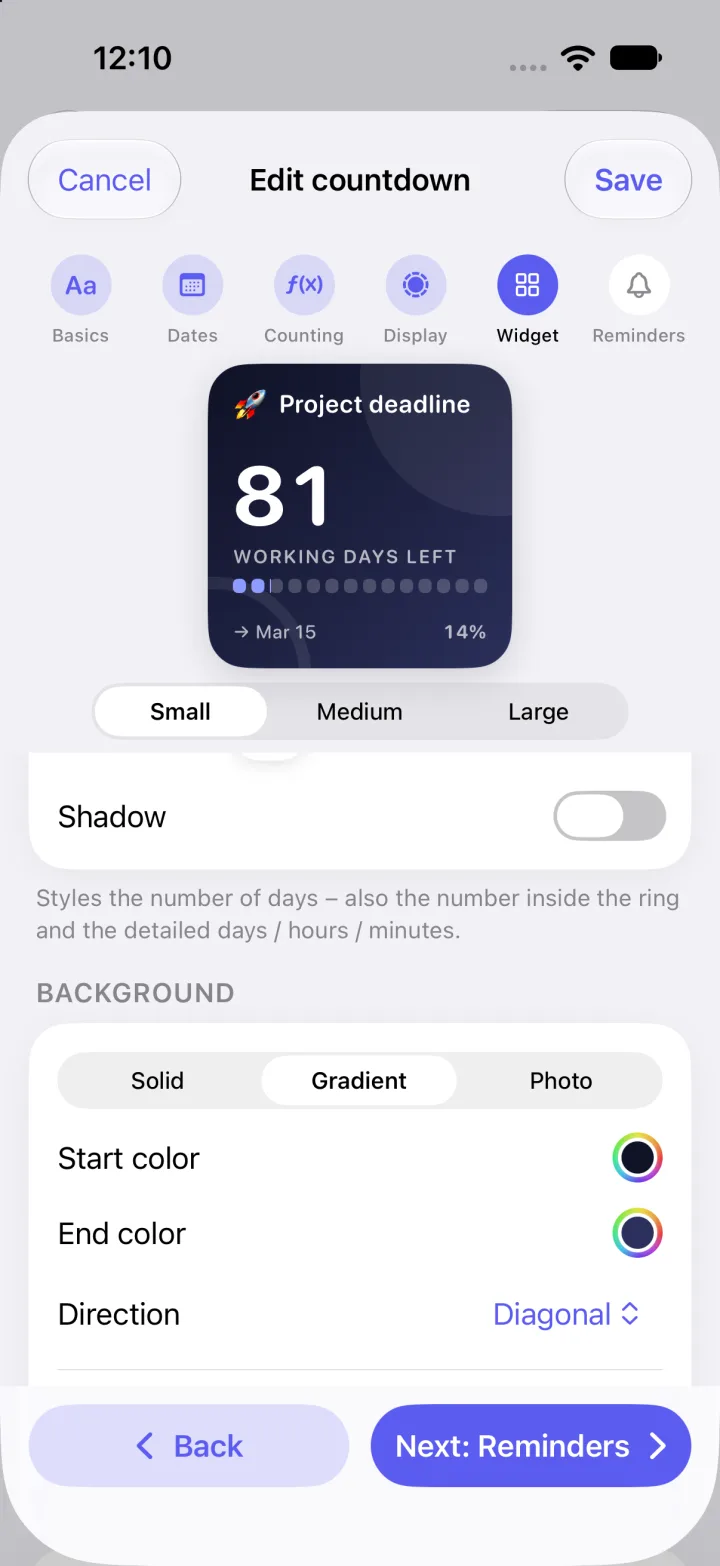
Style the widget down to the details.
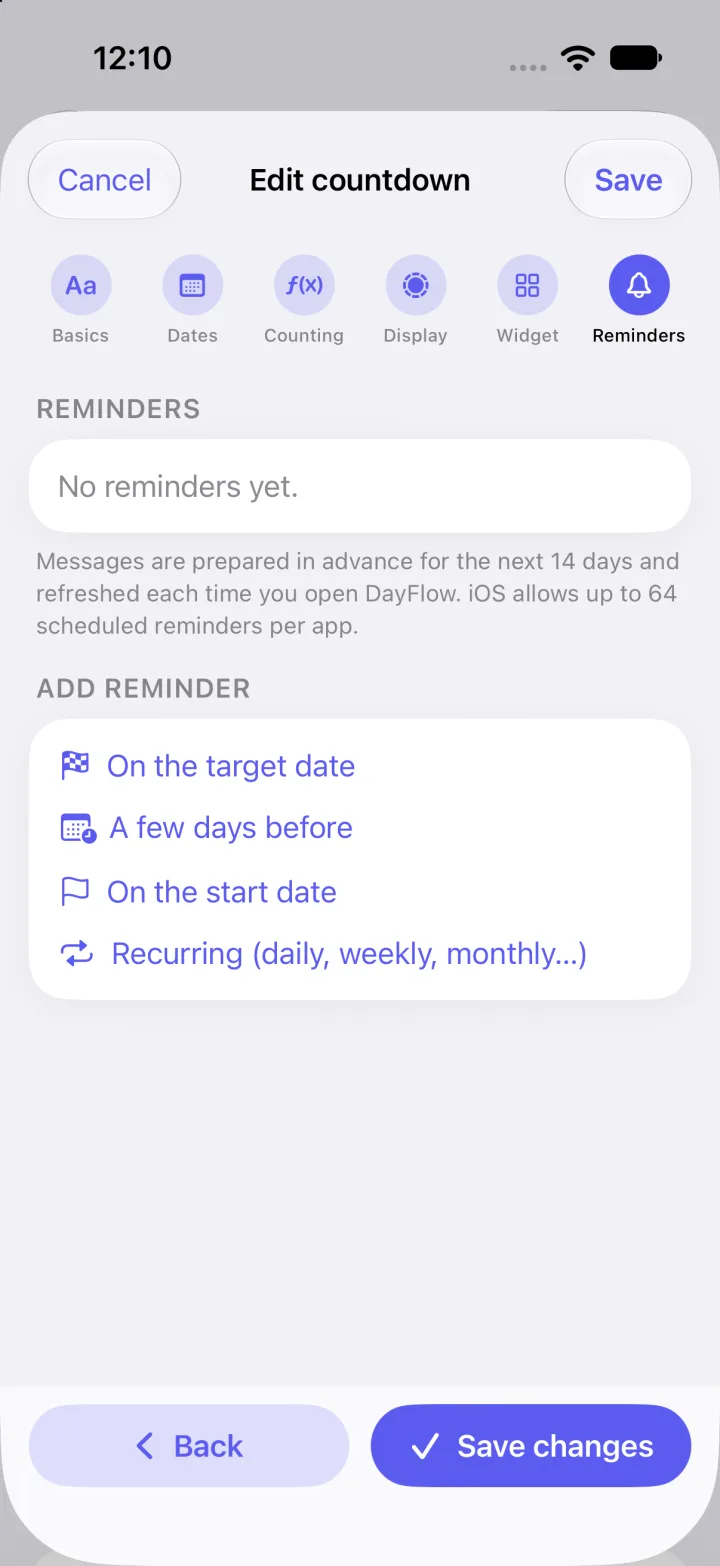
Get nudged at the right moment.
How it counts
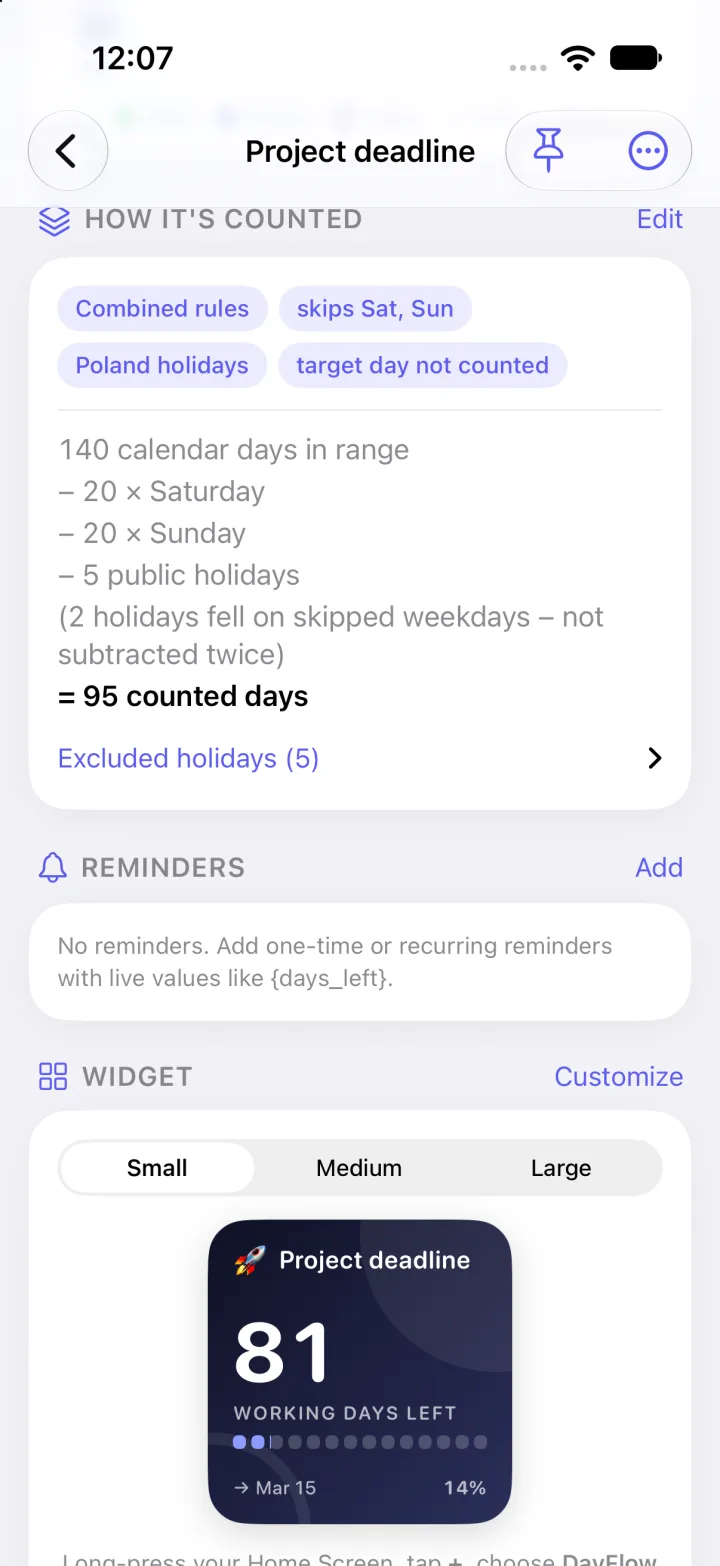
DayFlow shows where the result comes from: how many days are in range, how many were skipped, and why.
Widgets
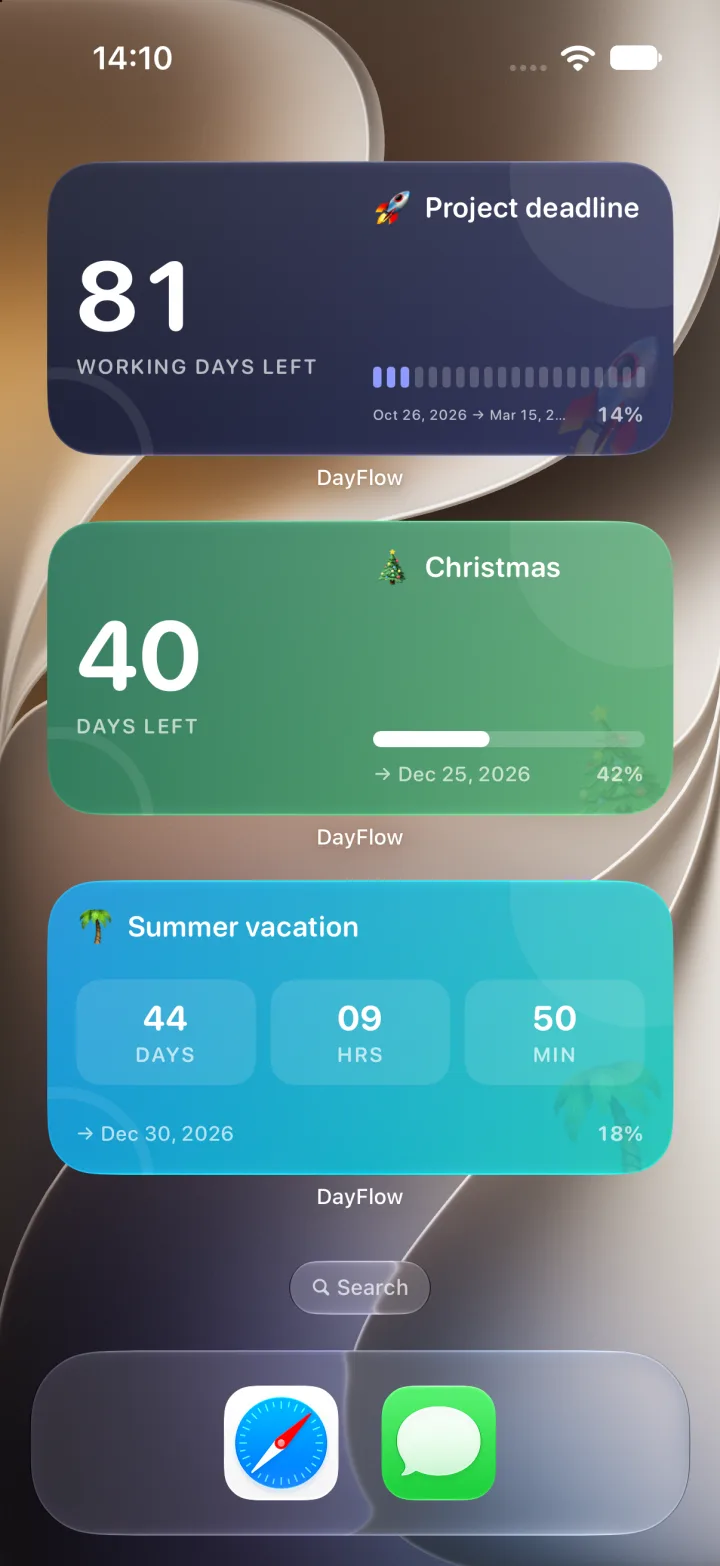
Every countdown has its own look: colour theme, style, font and an optional blurred photo background.
Long-press the Home Screen, tap + and choose DayFlow. Swipe through small, medium and large.
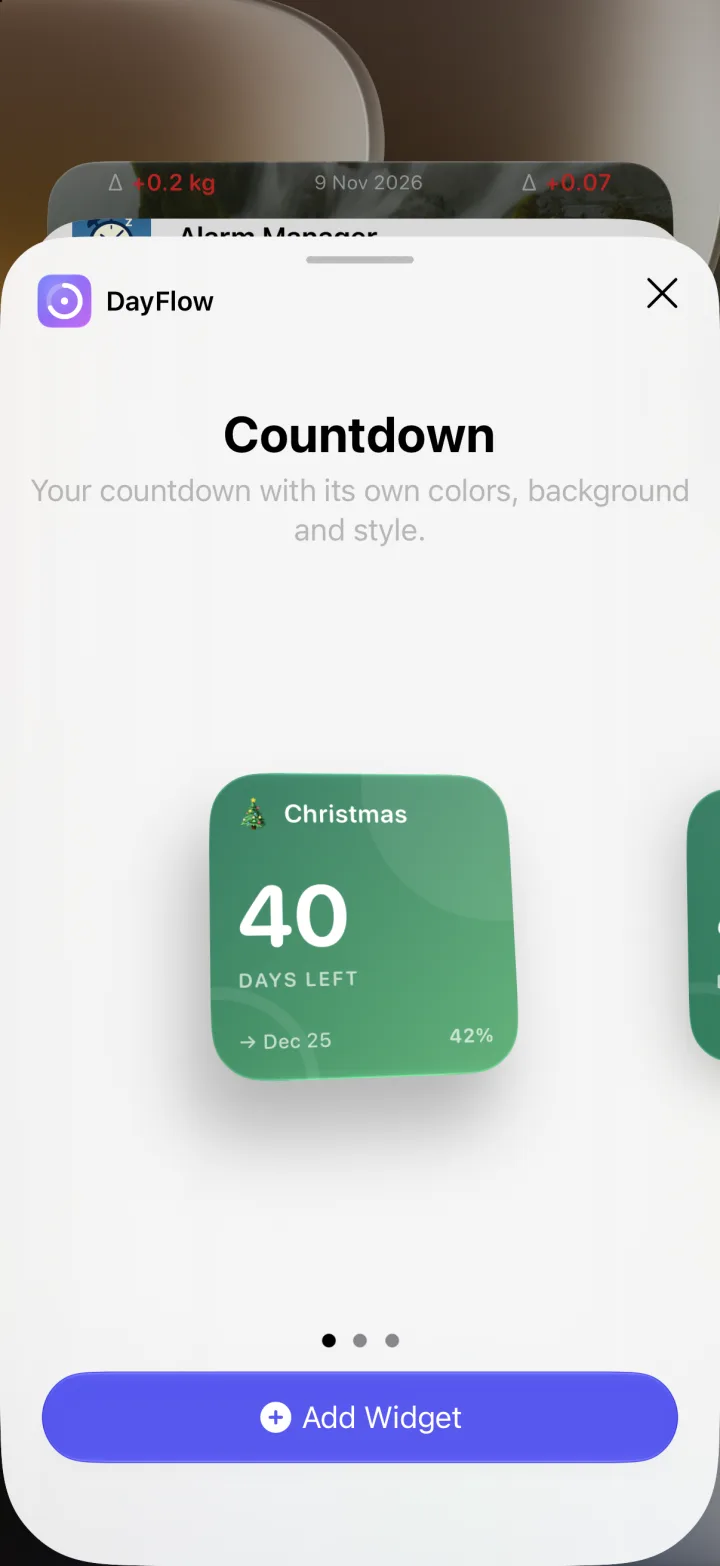
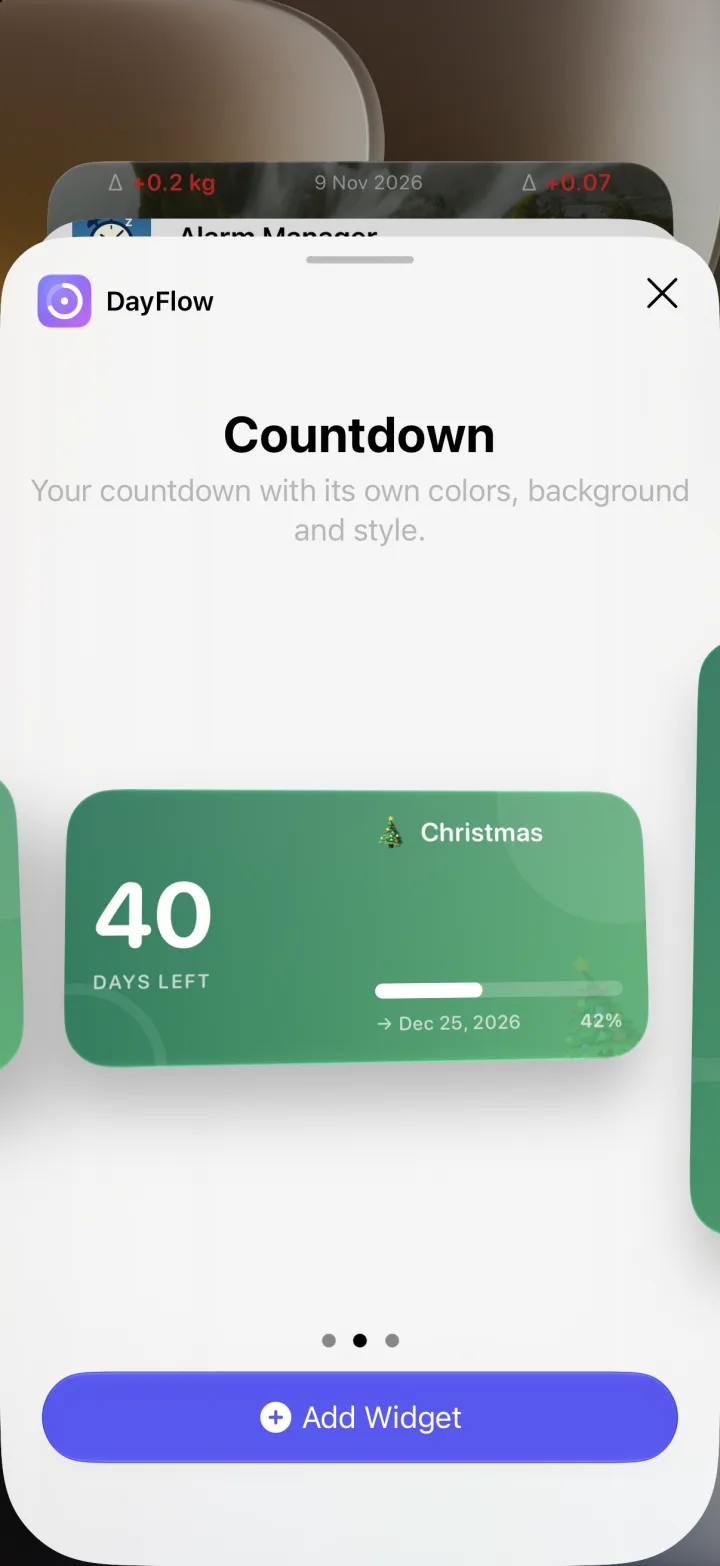
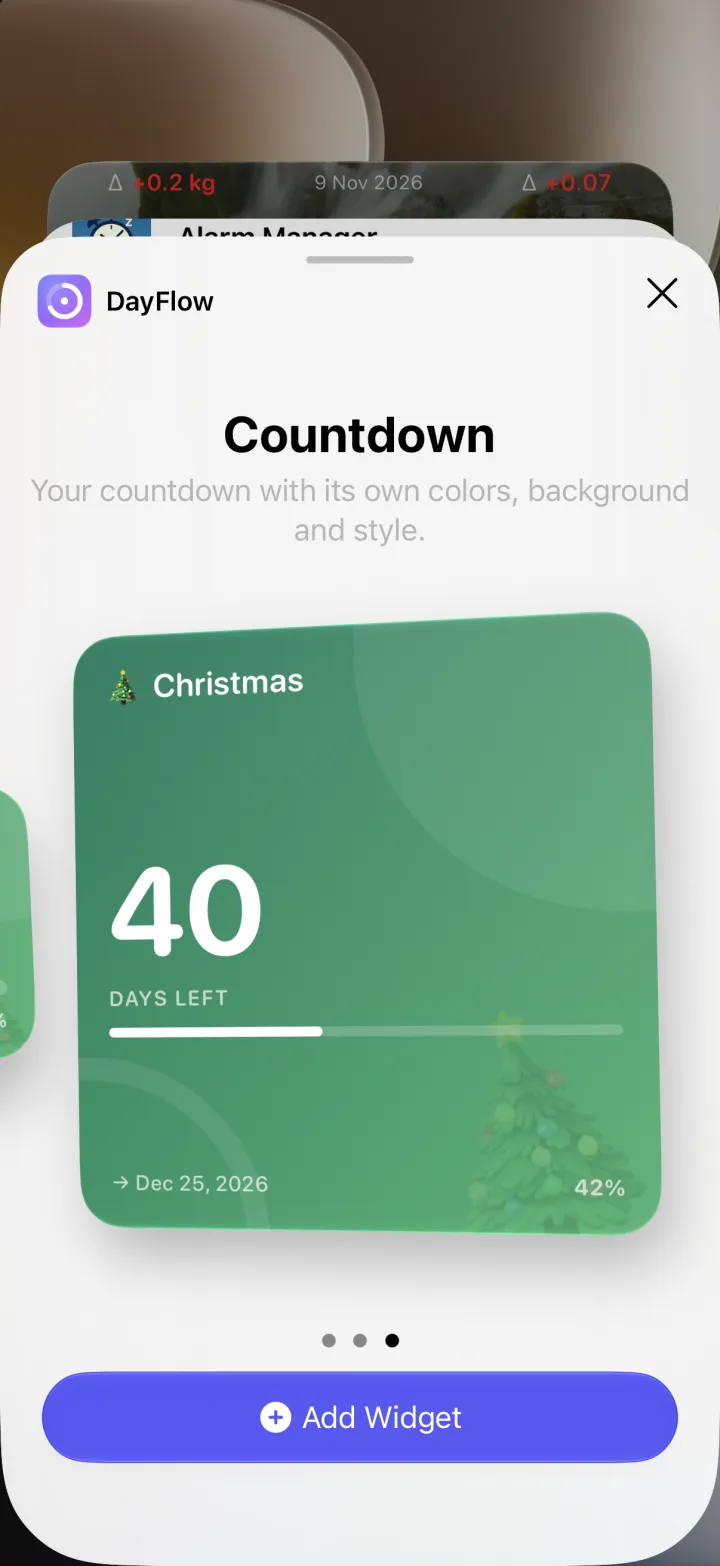
Long-press the widget → Edit Widget. Choose which countdown to show and keep the style from the app or override it.
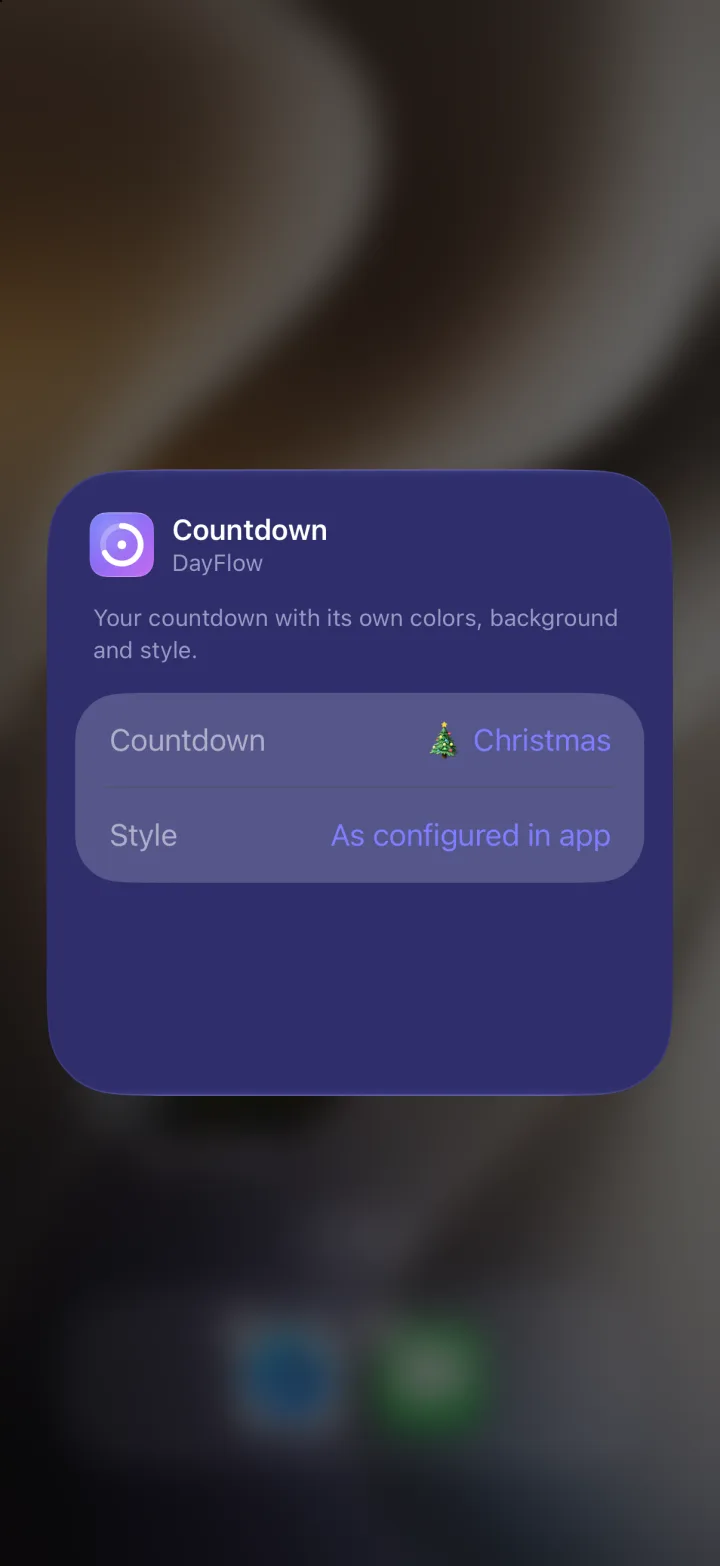
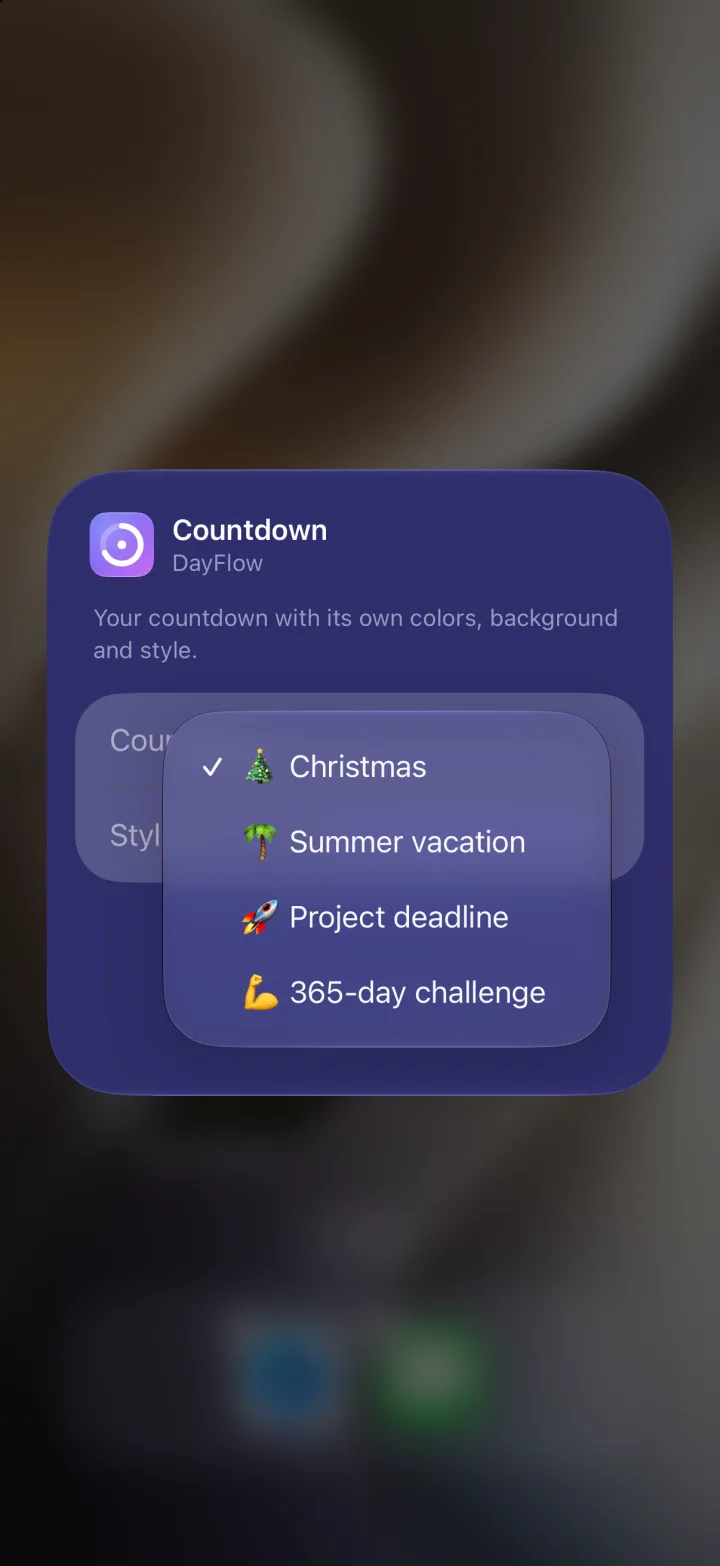
Each widget keeps its own colours and visualization — here three different styles side by side.
Reminders
One-time or recurring (daily, weekly, monthly). Use placeholders like {days_left} in the message.
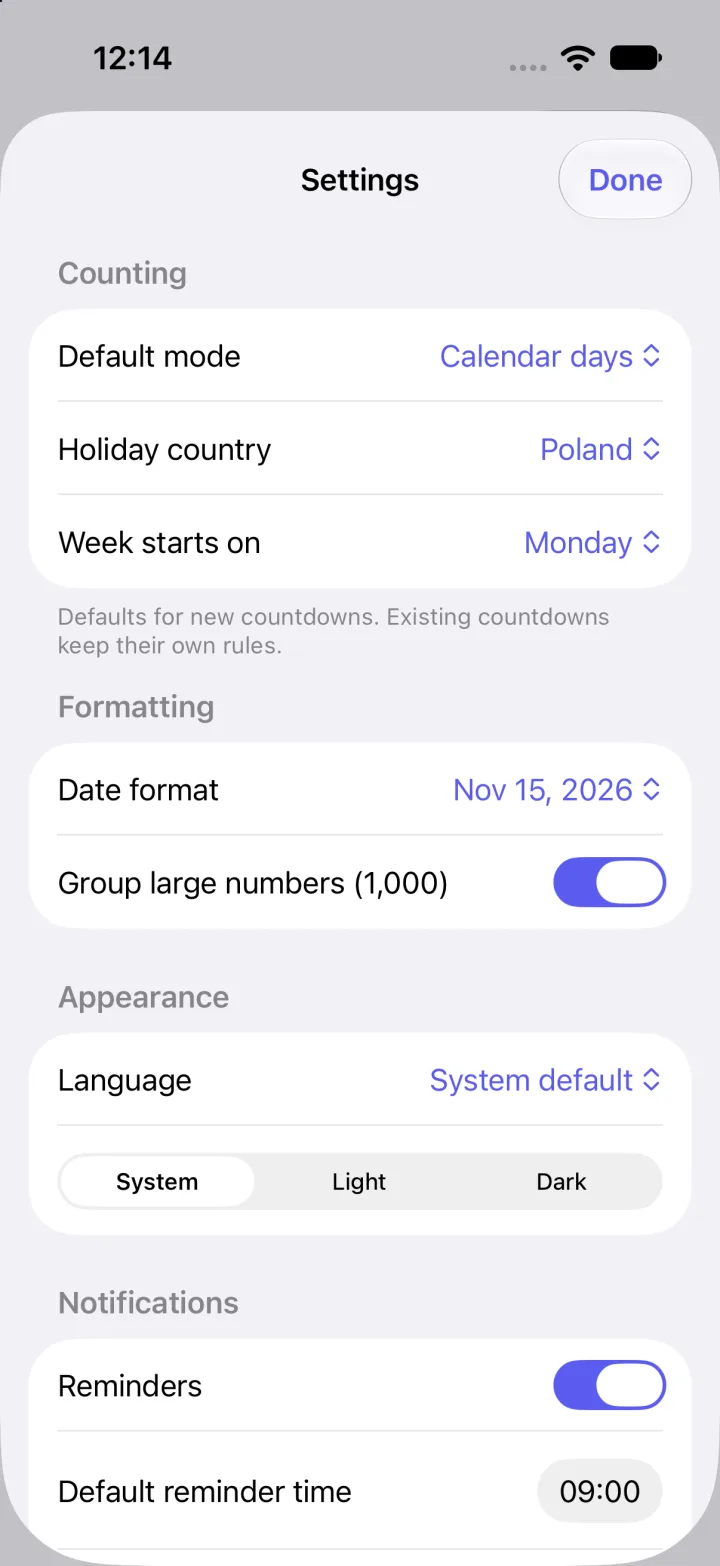
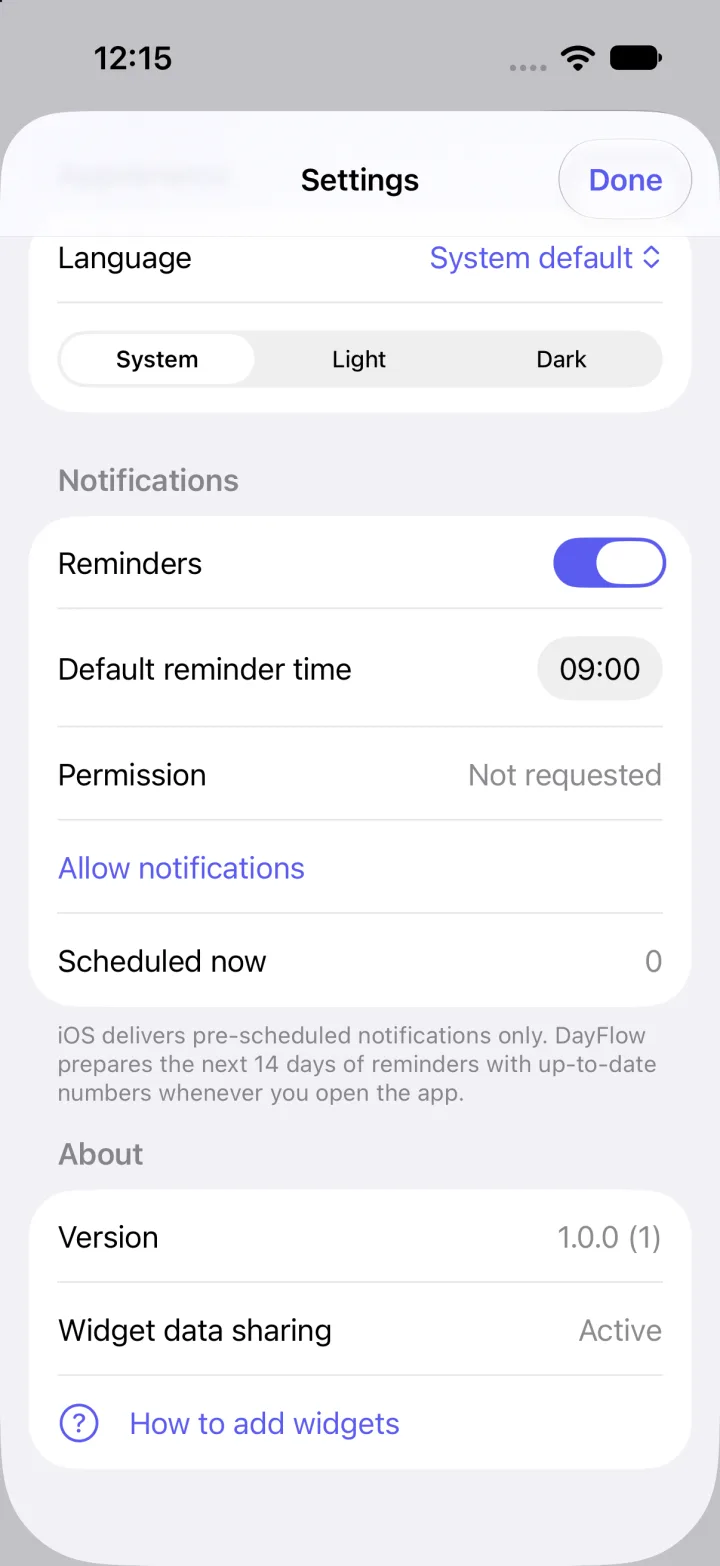
Settings
New countdowns start with the rules you prefer.
Privacy
Based on the app’s current code:
No sign-up or login required.
The app contains no analytics or ads.
Countdowns and background photos are stored only on your device.
iPhone and iPad running iOS 17 or later.
No. There is no account, and counting happens locally on your device.
Long-press your Home Screen, tap +, choose DayFlow and pick a countdown in the widget’s settings.
iOS delivers only pre-scheduled notifications, with a limit of 64 per app. DayFlow prepares them with up-to-date numbers and refreshes them each time you open the app. If you don’t open it for more than 14 days, reminders pause rather than show wrong numbers.
Poland, Germany (nationwide), France (metropolitan) and the United States (federal). US holidays use official dates without observed-day shifts.
DayFlow — day counter, widgets and reminders in one app.